Disclosure: I was provided complimentary educator access to Storypie so I could explore the platform for this review. All opinions and observations are my own.
Teachers have no shortage of digital tools available to them. So when I try a new platform, I’m not just interested in how many features it has. I want to know what those features actually look like from a teacher’s perspective and how they might be used with students.
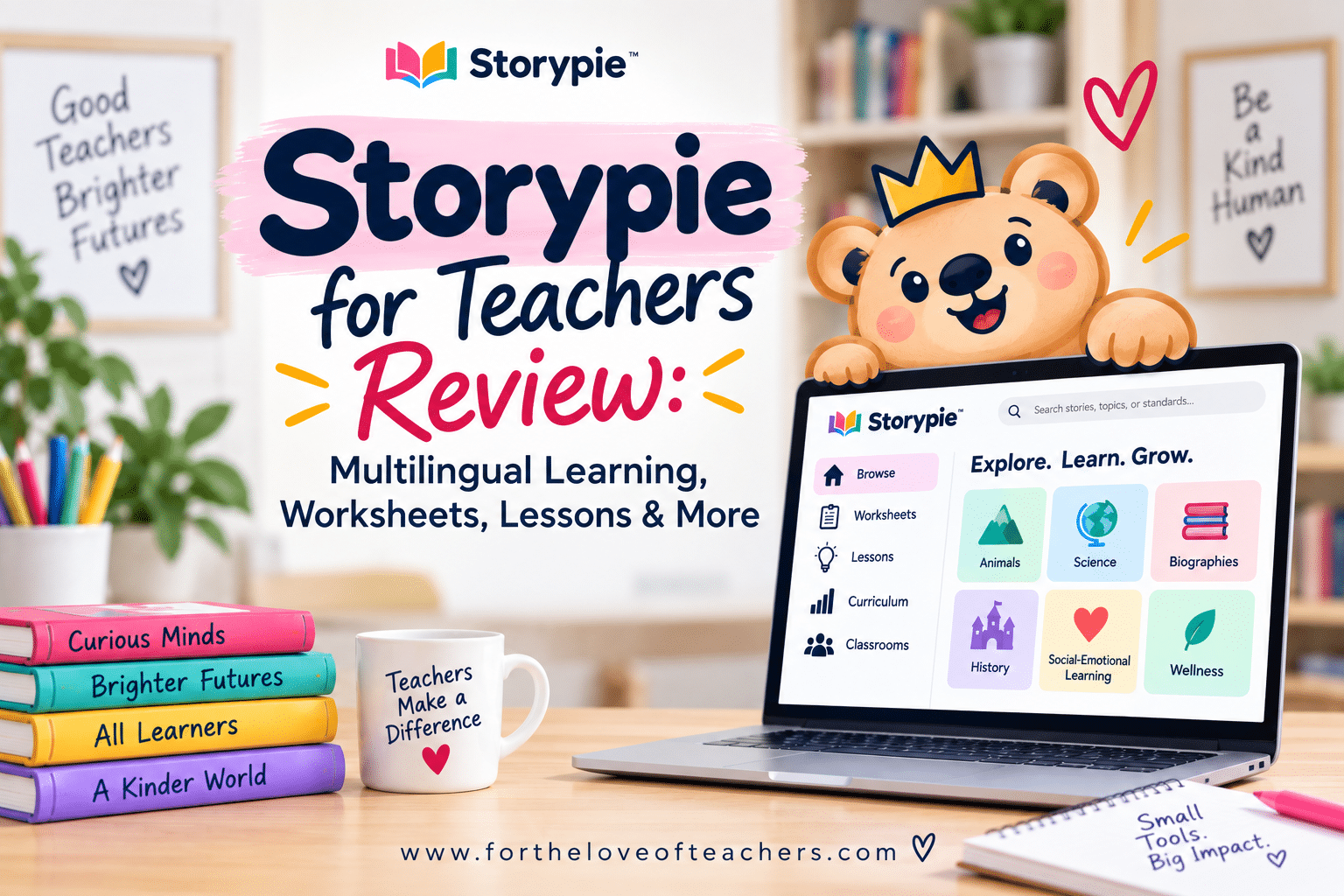
I recently had the opportunity to explore Storypie, an educational platform for Pre-K through Grade 8 that combines learning stories, audio, quizzes, printable and editable activities, lesson plans, classroom tools, and curriculum planning.
I spent time inside the educator platform browsing content, changing reading levels and languages, listening to stories, taking a look at quizzes and vocabulary activities, generating and editing worksheets, exploring lessons and differentiation, creating a classroom, and digging into the curriculum tools.
Here’s what stood out to me.
What Is Storypie?
Storypie is more than a digital story library. From the educator dashboard, teachers can access five main areas:
Browse | Worksheets | Lessons | Curriculum | Classrooms
That means you can use Storypie on a fairly small scale, perhaps finding a single reading and activity, or explore its more comprehensive lesson and curriculum-planning features.
One thing I appreciated as I explored the platform was that teachers aren’t locked into one way of using it. There are digital, audio, printable, editable, and assignable options throughout the site.
Explore a Large Library of Topics
The Browse section contains hundreds of learning selections across a wide range of topics.
While exploring, I found categories covering animals, biographies, science, technology, places, events, inventions, mythology, social-emotional learning, wellness, the arts, and more. I looked at everything from Cleopatra and Leonardo da Vinci to Arctic animals and science topics. This gives teachers plenty of opportunities to connect reading with science, social studies, background knowledge, student interests, or independent learning.
Adjust the Reading Level
One useful feature is the ability to access the same topic at different reading levels. I tested this with an Arctic fox selection by comparing versions at different grade levels. The text did change in vocabulary, sentence structure, and complexity, although I found the differences between nearby levels to be more subtle than dramatic. Still, being able to keep students on a common topic while adjusting the accessibility of the text can be helpful in a classroom with a range of readers. Storypie also includes audio support, so students can listen while following along with the text.
A Standout Feature for Multilingual Learners
As a teacher of multilingual learners, this was one of the Storypie features that impressed me most. Storypie offers content in 27 languages, but I wanted to see what that actually meant for a student rather than simply taking the language count at face value.
So I tested it. I changed a learning selection from English to Bengali. The text immediately appeared in Bengali. Then I pressed Play. The audio narration was in Bengali, too.
Next, I opened the comprehension quiz. That was in Bengali as well. I continued exploring and found vocabulary support and generated worksheet activities available in Bengali, too. That makes the multilingual feature much more meaningful than simply translating a passage.
Depending on a student’s language proficiency and instructional needs, a teacher could potentially use home-language content to build background knowledge, support comprehension, preview vocabulary, or provide access to grade-level topics while the student continues developing English proficiency.
I especially liked seeing the combination of: text + audio + vocabulary + comprehension + activities available within the multilingual experience.
For teachers supporting MLLs, this is a Storypie feature worth exploring.
Create and Customize Worksheets
Storypie also includes a worksheet generator. Teachers can create different types of activities connected to the content they’re using, including reading comprehension, quizzes, vocabulary builders, matching activities, fill-in-the-blank activities, word searches, exit tickets, custom quizzes and tests, organizers, and other resources.
But the part I appreciated most wasn’t simply being able to generate a worksheet. The worksheet is editable. Once Storypie generates a resource, teachers can open it in an editor and make changes before using it with students. You can adjust directions, remove or rewrite questions, change formatting, add content, or otherwise customize the resource for your class. That’s important because generated materials aren’t always exactly what a teacher needs on the first try. I like having the ability to use the generated resource as a starting point rather than being locked into the original version.
Built-In Vocabulary Support
Vocabulary is also incorporated into the learning content.
When I explored the vocabulary feature, I found target words along with definitions, parts of speech, and examples in context. I was particularly interested in seeing that this feature carried over when I switched languages. In my Bengali test, vocabulary support was also presented in Bengali. That could give teachers another way to preview important vocabulary, support comprehension, and provide additional language scaffolds.
Ready-to-Use Lessons
Storypie goes beyond individual readings and worksheets with a Lessons section.
I explored a Grade 2 math lesson on number lines to 1,000. Rather than finding only a basic lesson description, I found several components organized within the lesson:
Overview | Timing & Activities | Vocabulary | Differentiation | Assessment | Resources
The Resources section included ready-to-use materials such as vocabulary practice, a matching activity, a T-chart, and a 3-2-1 exit ticket. Resources could be viewed and printed, which makes the lesson section more practical for a teacher looking for instructional materials rather than simply lesson ideas.
Differentiation Is Built Into the Lessons
The differentiation section was another pleasant surprise. Instead of simply including a generic reminder to “differentiate as needed,” the lesson I explored provided separate suggestions for different learner needs.
These included:
- ELL supports
- IEP/504 accommodations
- Struggling learner supports
- Advanced learner extensions
The ELL section, for example, included language objectives, sentence frames, vocabulary support, visuals and gestures, partner structures, opportunities for oral responses, and suggestions for using a student’s home language.
The IEP/504 section included practical accommodations such as extended time, reduced copying demands, read-aloud directions, movement breaks, preferential seating, and adapted tools.
I appreciated that the suggestions were connected to the actual lesson rather than being a generic list added to every activity.
Curriculum and Planning Tools
Storypie also includes a Curriculum section.
Teachers can browse curriculum content using grade and subject filters. I saw grade options extending from Kindergarten through Grade 12 and subject filters covering areas such as ELA, math, science, social studies, history, geography, economics, biology, chemistry, physics, the arts, health, physical education, computer science, and foreign language.
It’s important to clarify that seeing those filters does not necessarily mean Storypie currently offers a complete prebuilt curriculum for every grade and subject combination. The prebuilt curricula I explored were organized into units and lessons, with standards, pacing, assessments, differentiation, and supporting resources.
But Storypie also offers another planning feature that caught my attention.
Build Your Own Curriculum
The Curriculum Creator allows teachers to create a curriculum based on their own needs. Teachers can start with a unit, month, or full year, and Storypie can generate a scope and sequence with standards-aligned units and lessons. More importantly, the generated curriculum is customizable. Teachers can reorder content, swap lessons, add their own materials, and make changes rather than having to use the generated plan exactly as it appears. Curricula can also be saved to a teacher’s library and reused or duplicated for future years.
For teachers who spend a lot of time pulling standards, lessons, resources, assessments, and differentiation together from different places, I can see the appeal of having those planning tools within one platform.
Classroom Assignments and Progress
Storypie also allows educators to create classrooms and assign content to students. From the teacher side, I could choose assignment requirements such as having students:
- read the selection
- listen to the selection
- take a quiz
- complete warm-up questions
There were also options for quiz retakes, instructions, and due dates. The educator dashboard includes student progress information, including assignment completion and quiz-related data, along with reading and listening activity.
Free Webinars for Educators
I also noticed that Storypie offers free educator webinars, including on-demand options. The webinar I encountered focused on evidence-based strategies for helping students retain learning. This isn’t one of the platform’s major instructional features, but it’s a nice additional resource for teachers interested in professional learning.
What I Liked Most About Storypie
After spending time exploring the platform, three areas stood out to me.
Multilingual accessibility: The 27-language feature was the biggest standout. I personally tested Bengali and verified that the language support extended beyond the text to audio narration, quizzes, vocabulary, and generated activities.
Customization: I liked that teachers aren’t necessarily stuck with what Storypie generates. Editable worksheets and customizable curriculum tools give educators more control over the final materials.
Differentiation: Between adjustable reading levels, audio support, multilingual content, and specific differentiation within lesson plans, Storypie provides several ways to make the same general content more accessible to different learners.
Who Might Find Storypie Useful?
Storypie offers a broad collection of tools, and I don’t think every teacher would necessarily use every feature. Depending on your needs, you might use Storypie for:
- multilingual learner support
- differentiated reading and listening
- science and social studies background knowledge
- independent learning or centers
- vocabulary and comprehension practice
- printable or digital activities
- supplemental lessons
- differentiation and accommodations
- curriculum planning
That’s actually one of the benefits of the platform: teachers can explore the pieces that make sense for their students rather than having to use everything Storypie offers.
Final Thoughts: Is Storypie Worth Exploring?
After spending time with Storypie, I found it to be a much broader teaching platform than I initially expected.
It combines a large content library with audio, multilingual learning, quizzes, editable worksheets, vocabulary resources, lessons, differentiation, classroom assignments, progress monitoring, and curriculum-planning tools.
But the feature that impressed me most was undoubtedly the multilingual support.
As a teacher of multilingual learners, I can see real value in being able to provide students with text, audio, vocabulary, comprehension questions, and related activities in a home language while supporting access to the same topics being taught in the classroom.
I also appreciate Storypie’s emphasis on teacher customization. Technology can generate plenty of materials for us, but teachers still need the ability to decide what’s appropriate for the students sitting in front of them. Storypie gives educators room to make those adjustments.
Storypie may be worth exploring if you’re looking for a flexible platform that brings differentiated content, multilingual support, teacher-created resources, lessons, and planning tools together in one place.
Explore Storypie.
Thanks for reading!

Christine Weis is an elementary educator and the creator of For the Love of Teachers, where she shares practical classroom strategies, engaging teaching resources, and real-life ideas to help educators create meaningful learning experiences.

A very incisive look at the expansive curriculum covering almost every aspect of knowledge as presented so brilliantly by StoryPie . I was amazed to see how exactly StoryPie addresses the educational requirement of childhood across the globe in 27 languages, providing prodigious information in a manner so conducive to learning. This to me is a quantum leap in elementary and middle school learning, not to mention the offerings for pre K kids.