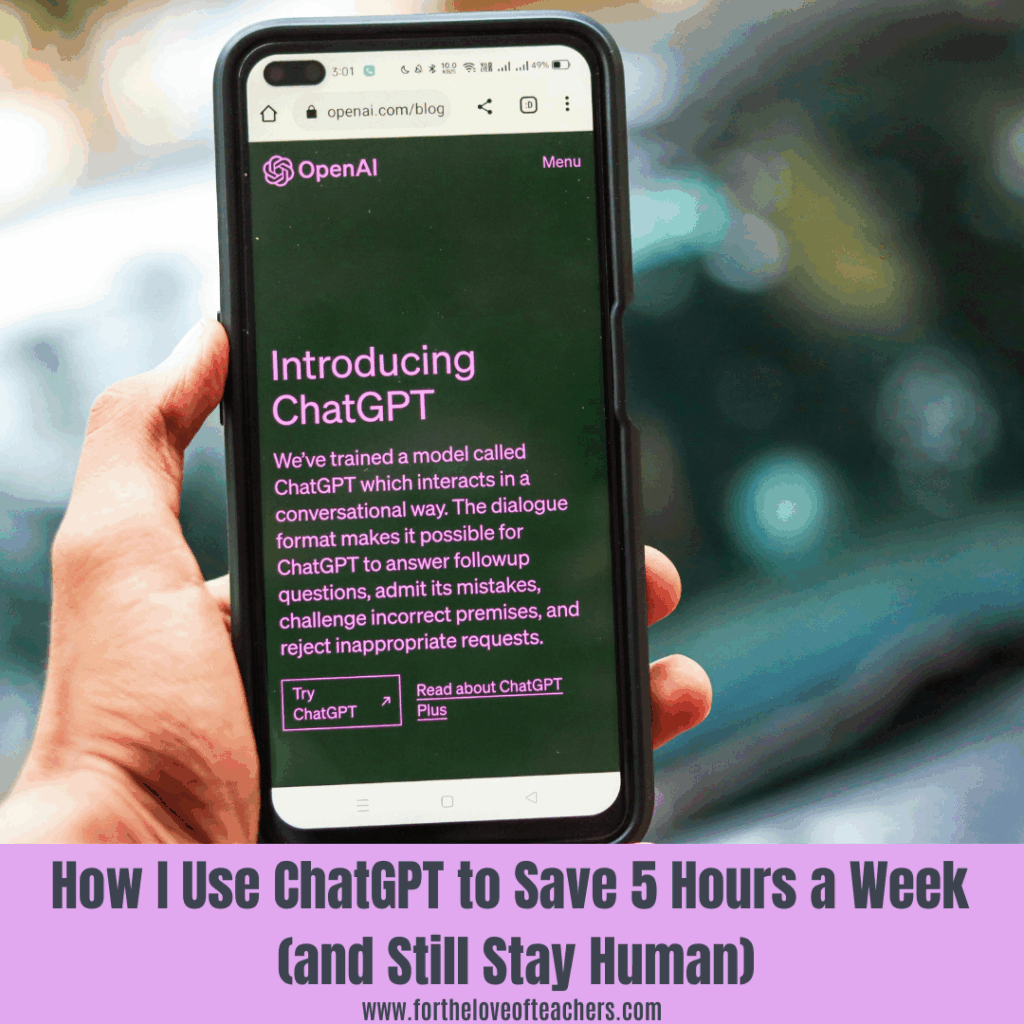
Teachers wear all the hats: planner, grader, communicator, mentor, counselor, tech support…the list goes on. Between lesson planning, giving feedback, grading piles of work, and answering endless emails, there never seems to be enough time in the day.
But here’s the truth: it’s not about working harder. It’s about working smarter. And one of the smartest tools I’ve added to my teacher toolkit is ChatGPT.
In this post, I’ll share how I use AI to save at least 5 hours every week without losing my personal touch or professionalism.
1. Smarter Lesson Planning
I use ChatGPT every week to create differentiated reading lessons that target multiple skills, especially for my small groups. Instead of spending hours planning separate lessons, I can now design activities that cover fluency, low-frequency spelling words, blends, digraphs, and trigraphs all at once.
💡 Example Prompt:
“Create a 5-day lesson plan that covers fluency, low-frequency spelling words, blends, digraphs, and trigraphs for third graders.”
Within seconds, ChatGPT gives me a full framework with daily objectives, word lists, and fluency passages to practice these skills. I can then tweak and personalize it based on my students’ needs.
What used to take me a few hours now takes minutes, and I still have complete control over how it looks, feels, and aligns with my goals.
2. Giving Personalized Feedback Faster
Grading writing or longer assignments can be time-consuming, but feedback is where students grow. ChatGPT helps me draft feedback comments that I can then personalize for each student.
💡 Example Prompt:
“Write 3 pieces of feedback for a third-grade student who needs to improve sentence structure and use of details.”
It’s not about letting AI do the work for me. It’s about letting it help me get started so I can focus on the human side: encouraging, supporting, and connecting with my students.
3. Grading More Efficiently
I still read every student’s work, but I use ChatGPT to create rubrics, grading scales, and comment banks for repetitive assignments. This keeps grading consistent, fair, and so much faster.
💡 Example Prompt:
“Create a 4-point rubric for third-grade paragraph writing, including criteria for topic sentence, supporting details, organization, and conventions.”
When I’m done grading, I can even use ChatGPT to help me phrase overall summary comments that are positive and motivating.
4. Managing Emails Like a Pro
This is my favorite one and probably what saves me the most time. We all know that feeling, opening your inbox after a long day and seeing dozens of unread messages. ChatGPT has become my go-to tool for drafting quick, professional replies to parents, colleagues, and administrators.
💡 Example Prompt:
“Write a kind, professional response to a parent concerned that their child is falling behind in reading.”
I still edit for tone and add personal details, but having a draft ready saves me so much mental energy, and helps me avoid sending late-night emails when I’m exhausted.
5. Balancing Efficiency with Authenticity
Let’s be clear…ChatGPT doesn’t replace you. It supports you. AI gives me back time and brainpower so I can focus on the parts of teaching that truly matter: building relationships, inspiring curiosity, and creating meaningful learning moments.
I call it “teacher triage.” Let AI handle the busywork so you can handle the heart work. ❤️
Final Thoughts
Using ChatGPT has helped me find balance, boundaries, and a little more breathing room in my week.I’m not just working faster, I am working smarter and feeling more human in the process.
If AI tools can give you even one hour back for yourself, your students, or your family, it’s worth it.
🎁 Free Download for Teachers
Want to save time planning, grading, and emailing?
✨ Grab my free ChatGPT Prompt Cards for Teachers!
These ready-to-use AI prompts will help you:
✅ Plan lessons faster
✅ Give personalized feedback
✅ Write parent emails in minutes
👉 Sign up below to get them delivered straight to your inbox!
How could ChatGPT help you simplify your week? Share your ideas in the comments. I’d love to hear what’s working for you!
Related posts:
A Teacher’s Guide to AI Tools: Boosting Efficiency and Engagement in the Classroom
Building Inclusive Classrooms with AI-Powered Accessibility Tools
Thanks for reading!
If you like it, then pin it!


Christine Weis is a passionate educator, classroom management coach, wife, and mom of two busy boys. She enjoys teaching, writing, and creating resources for teachers.

Leave a Reply