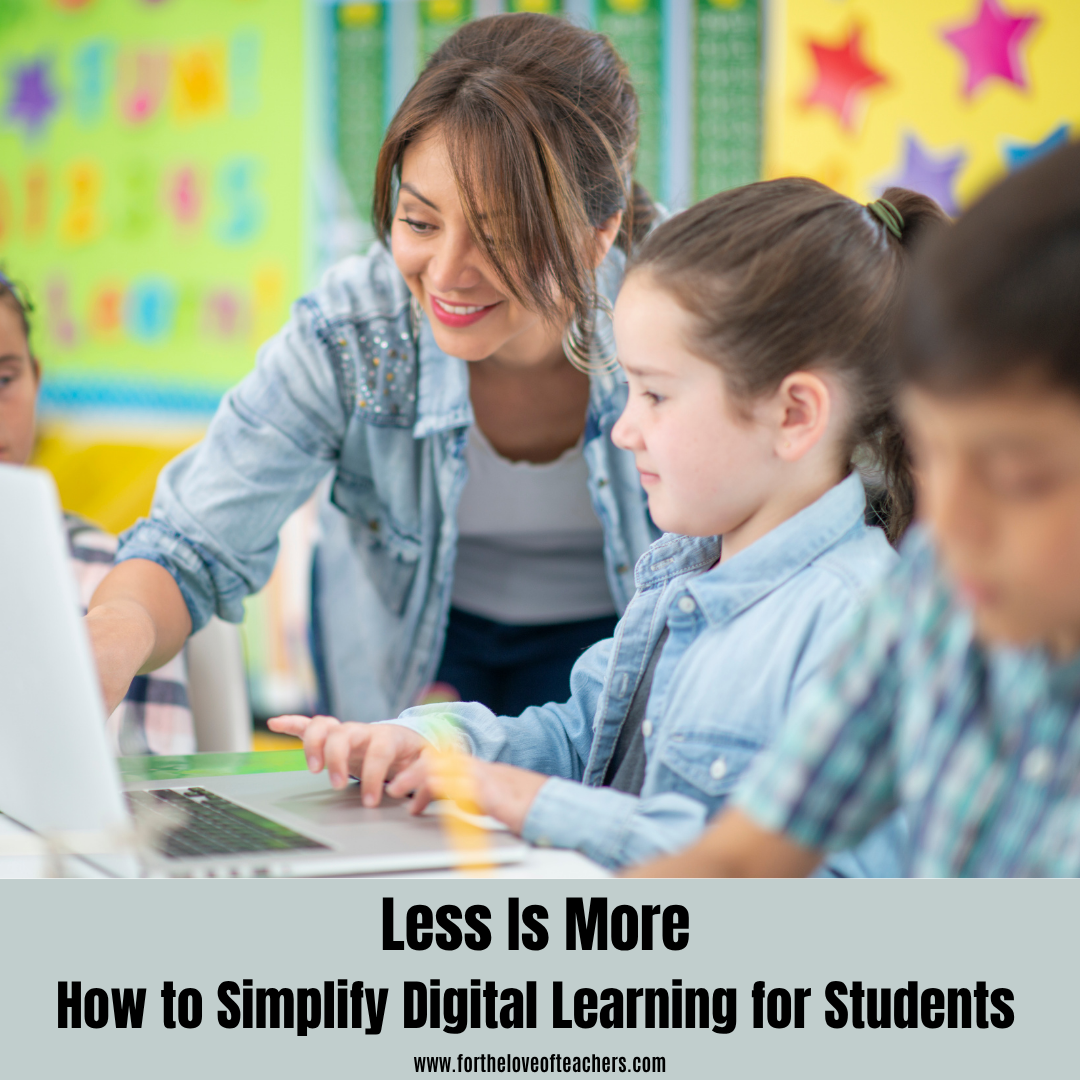
 Digital tools have made it easier than ever to give students more: more videos, more worksheets, more slides, more quizzes, more links, and more practice activities.
But more does not always mean better. Learning how to simplify digital learning can help students focus less on navigating resources and more on actually learning.
One of the most useful lessons I have learned while building digital learning resources is that students often struggle not because they have too little material, but because they have too many decisions to make before they can actually begin learning.
Which resource should I open first? Which video should I watch? Do I read the notes or attempt the worksheet? Should I review the whole chapter or only the part I did not understand?
When those decisions pile up, the learning process itself becomes harder than it needs to be.
1. Give Students a Path, Not Just a Library
A collection of useful resources is valuable, but students benefit even more when those resources are arranged into a simple sequence.
For example:
Learn the idea → Explain it in your own words → Practice one short task → Check what you missed → Try again without looking
This structure can work with almost any age group or subject. The specific activity changes, but the learning path remains clear.
Instead of asking students to choose from ten different resources, teachers can reduce the number of decisions students must make and make the next step obvious.
For example, a teacher may already have a short video, slides, a worksheet, and a practice activity for the same topic. Instead of giving students everything at once, the teacher can provide a simple sequence: first watch the explanation, then explain the idea without looking, complete a few practice questions, and finally use the activity to check for understanding. If students struggle with something, they can return to that specific part rather than starting the entire process over again.
Sometimes students are not confused because the material is difficult. They are confused because they don’t know what they are supposed to do first.
2. Active Practice Should Appear Earlier
Students can spend a long time reading or watching something and still feel that they understand it simply because the information looks familiar.
A quick retrieval task exposes the difference between recognition and understanding.
After teaching a concept, it can be useful to ask students to close the resource and do something with the idea immediately. Depending on the grade level, this could mean:
- Drawing the process from memory
- Explaining the idea to a partner
- Writing three key points without looking
- Solving one short problem
- Giving an example from everyday life
- Answering a question in a slightly different context
The important part is that students have to retrieve the idea rather than simply look at it again.
3. Short Feedback Loops Are More Useful Than Delayed Correction
If students practice ten questions incorrectly and only discover the problem at the end, they may have spent a long time reinforcing the same misunderstanding.
A better pattern is often:
Attempt → Check → Correct → Retry
The feedback does not need to be long. Sometimes one sentence, one worked example, or one guiding question is enough.
What matters is that the student gets a chance to use the correction immediately.
This is especially helpful in digital learning because students can easily move from one resource to another without stopping to examine what they actually learned.
4. Make the Next Action Obvious
A surprisingly powerful design question for teachers is:
“When a student finishes this resource, will they know what to do next?”
A worksheet might end with a small instruction such as:
- “Check your answers, then redo the two questions you missed.”
- “Explain today’s idea in three sentences without using your notes.”
- “Choose one example and teach it to someone else.”
- “Return tomorrow and try the same task again from memory.”
Small directions like these can turn a passive resource into part of a learning routine.
5. Reduce Duplication
Teachers often create several resources because they want to help students approach a concept from different angles. But from the student’s perspective, three similar worksheets can feel like three separate tasks.
Before adding another resource, it is worth asking:
Does this give students a genuinely different kind of practice?
If one resource teaches the concept, another should perhaps help students retrieve it, apply it, compare it, or correct misconceptions.
Each resource should have a clear job.
6. Design for the Student Who Feels Overwhelmed
The strongest students will often find their own way through a large collection of resources. The student who is already confused may not.
That is why simplicity is not about lowering expectations. It is about removing unnecessary friction.
A clear routine can make challenging learning more manageable:
Learn → Recall → Apply → Check → Retry
The content can remain rigorous while the process becomes easier to follow.
Final Thoughts
Technology gives teachers the ability to create and share more than ever before. The challenge is no longer simply providing information. It is helping students move through that information in a way that leads to real learning.
Sometimes the best digital resource is not the one with the most features, pages, or activities.
It is the one that makes the next useful learning action obvious.
About the Author: Smit Thaker creates practical learning resources through Smit Sir Commerce, with a focus on making concepts easier to understand, practice, and revise.
Thanks for reading!
If you like it, then pin it!



Christine Weis is an elementary educator and the creator of For the Love of Teachers, where she shares practical classroom strategies, engaging teaching resources, and real-life ideas to help educators create meaningful learning experiences.

Leave a Reply